



Stay closer to what matters
Travel for every mood
Curated escapes designed around the moments you're looking for.

Beach Escape
Sun, sand & seaside serenity

Adventure & Thrills
Wild experiences & outdoor rushes

Spiritual Journeys
Sacred sites & serene sanctuaries

Food & Flavors
Taste the world, one bite at a time

Romantic Getaways
Love-filled escapes & dreamy stays

Mountain Escapes
Cool air, scenic peaks & quiet valleys

Safari & Wildlife
Into the wild, closer to nature

Trek & Hike
Epic trails & breathtaking views

Relax & Recharge
Unwind, slow down & enjoy the moment

Culture & Heritage
Ancient history, art & timeless legacy
Popular destinations with unbeatable deals

Spain
Vibrant city

Thailand
Dream islands

France
Coastal beauty

Mexico
Exotic

Moroco
Culture

Turkey
Heritage
Flight booking: frequently asked questions
Find answers to common questions about flight bookings, tickets, cancellations, refunds, payments and flight-related assistance with FareFirst.
Please note that,
- If your flight is within 24 hours, your ticket will be issued within 15 mins.
- If your flight is after 24 hours, your ticket will be issued within 1 hour.
Even after waiting for the above-mentioned time, if you haven't received your ticket information, please follow these steps before raising a support request.
- Check your inbox for the email address you used to make the booking and look for the ticket confirmation mail. Search with the destination name you have booked or you can search for the mail in your inbox with keywords like booking or confirmation.
- Still can't find it? Try checking your junk and spam folders.
- Check for SMSs related to your booking on your phone.
Even after following the above steps, if you are not able to find out your tickets, please email with the subject "Ticket not received" to us at support@farefirst.com with ALL the following mentioned information.
- Primary passenger's
- First Name
- Last Name
- Date of birth
- Email address
- Phone number with Country Code
- All the ticket-related and transaction-related emails and SMSs
- Proof of amount deducted
- Your travel plan
- from
- to
- onward and/or return date
- total number of passengers
Please note that we offer 24x7 support only in the English language. We do have limited support in all major international languages which is subject to the availability and office hours of the respective offices located in various countries.
We need to contact the booking agency to handle all the following types of requests. I haven't received my booking confirmation. I want to change my booking details. Cancellation and refunds. Payment and luggage information. Airports and airline information. I have been overcharged. Data erasure request. Other ticket-related issues. In the booking confirmation email, you will usually find the booking agency's customer care number or email. You can directly try to reach out to them for a quick resolution. In case you are not able to find out the customer care details of the booking agency, please forward all the ticket-related and transaction-related emails and SMSs to support@farefirst.com, we will try to help you to reach the right customer care team to resolve your issues.
Usually, you will get the booking confirmation mail within 1 hour. Sometimes there could be a delay due to some technical issues. If you did not receive the tickets even after waiting, please contact the booking agency or send the ticket-related and transaction-related information to support@farefirst.com so that we can help you reach the right customer care team.
Nomad helps you to figure out the best combination of travel routes for your journey by analyzing millions of flight routes around the world. Input a few cities you like to travel to, and we will magically tell you where to visit first, where to visit second, and so on. We run all possible combinations behind the scene and give you the cheapest and best travel plan possible. You can also book your entire journey in a single itinerary with a single click. In case you have further queries, please reach out to us at support@farefirst.com.
Step 1:
Please download our Android or iOS app from the FareFirst website or visit our website using your favorite mobile or desktop browser.
Step 2:
In the search field enter FROM and TO. As you enter the city or airport name, the auto fill will help you to find the nearest airport.
Step 3:
In case you are going only in one direction, please select "One-Way" and enter your onward journey date. If you are planning to buy the return ticket as well, please click "Return" and enter both onward and return journey dates on the respective calendar fields.
Step 4:
By default the search will happen only for 1 Adult. In case you need to add more people, please click on the traveler section and add:
More Adults (12 years and onwards)
Children (2 to 12 years)
Infant (below 2 years, must be seated on lap)
Step 5:
Click Search. Now a lot of results will be loaded. By default cheapest results will be shown first. Each result will also show the flight price as well.
Check if the timing of the flight matches your travel plan. Please note that the time mentioned in the result will be the local time of the respective airport of that particular country.
Step 6:
Once you click on any item shown on the result screen, you will be presented with the detailed screen of that particular flight. This will help you to double-check all the necessary details. Then you can click the "Buy" button.
Step 7:
Enter all necessary personal details like name, passport, phone number, etc. on the next screen. You will also see how much luggage is included in the price.
If you need to add more luggage or pre-book a meal, you can do it here. Once all these details are filled in, you can pay using the multiple payment options mentioned.
Step 8:
Once the payment is successful, you will receive the ticket in your mentioned email. Usually, there is no need to print this ticket in most countries. You can show the confirmation email on your phone at the entry and inside the airport.
Step 9:
Please make sure your ticket has a PNR number, or a 6-letter code. Only if your ticket has a 6-letter PNR, then your ticket is confirmed.
In some rare cases when airlines are overbooked or due to a technical glitch, if your ticket does not have PNR, then your booking is not confirmed. In this case, you need to contact the booking agency and either choose a different flight or choose a full refund.
If you have any other queries please send us an email at support@farefirst.com.
FareFirst helps millions of travelers find better deals faster.
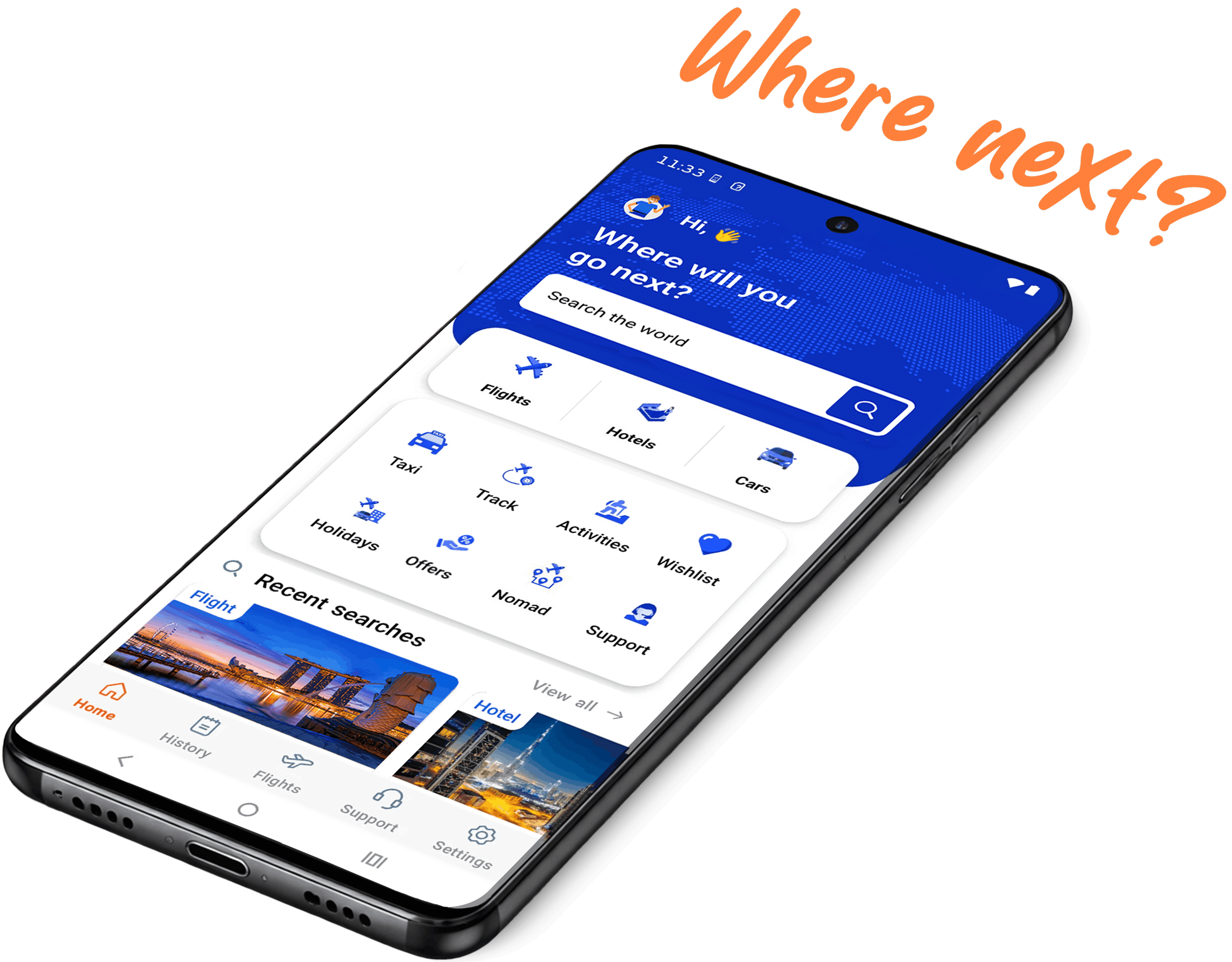
Download our app







Never miss a deal!
Subscribe to get handpicked offers and travel tips directly to your inbox.